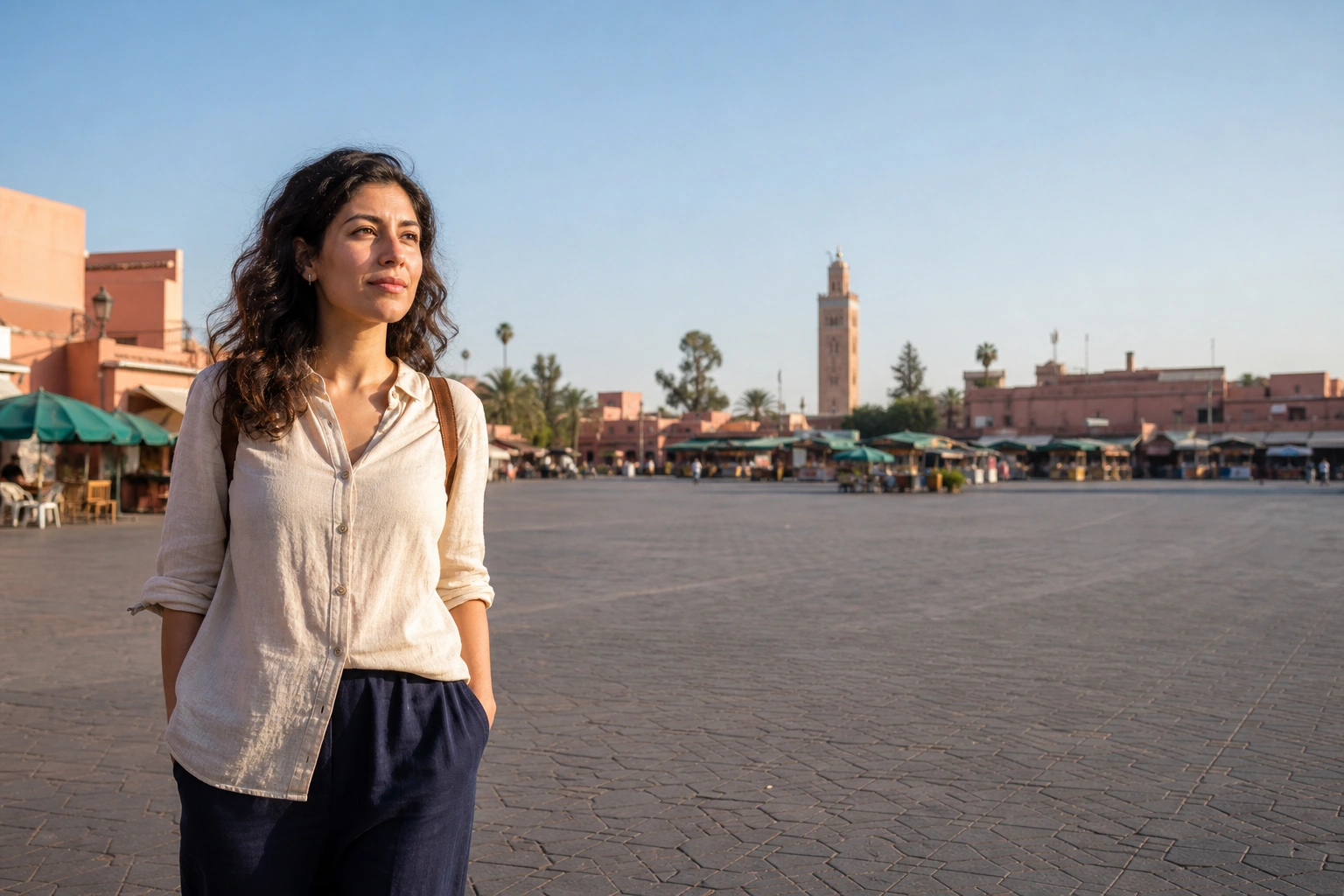
Square First Light
An early-light portrait with breathing room around the medina square.

A visit worth keeping.
Visit and verify your arrival in Unlocked to keep this badge and your visit date in your free Passport. No subscription.
Start with the square’s open space, then make a closer portrait along its edge. The stalls and roofline can establish Marrakech without making strangers the subject of your photograph.
Get the app to collectExplore the three photo ExperiencesPlan your photos before you go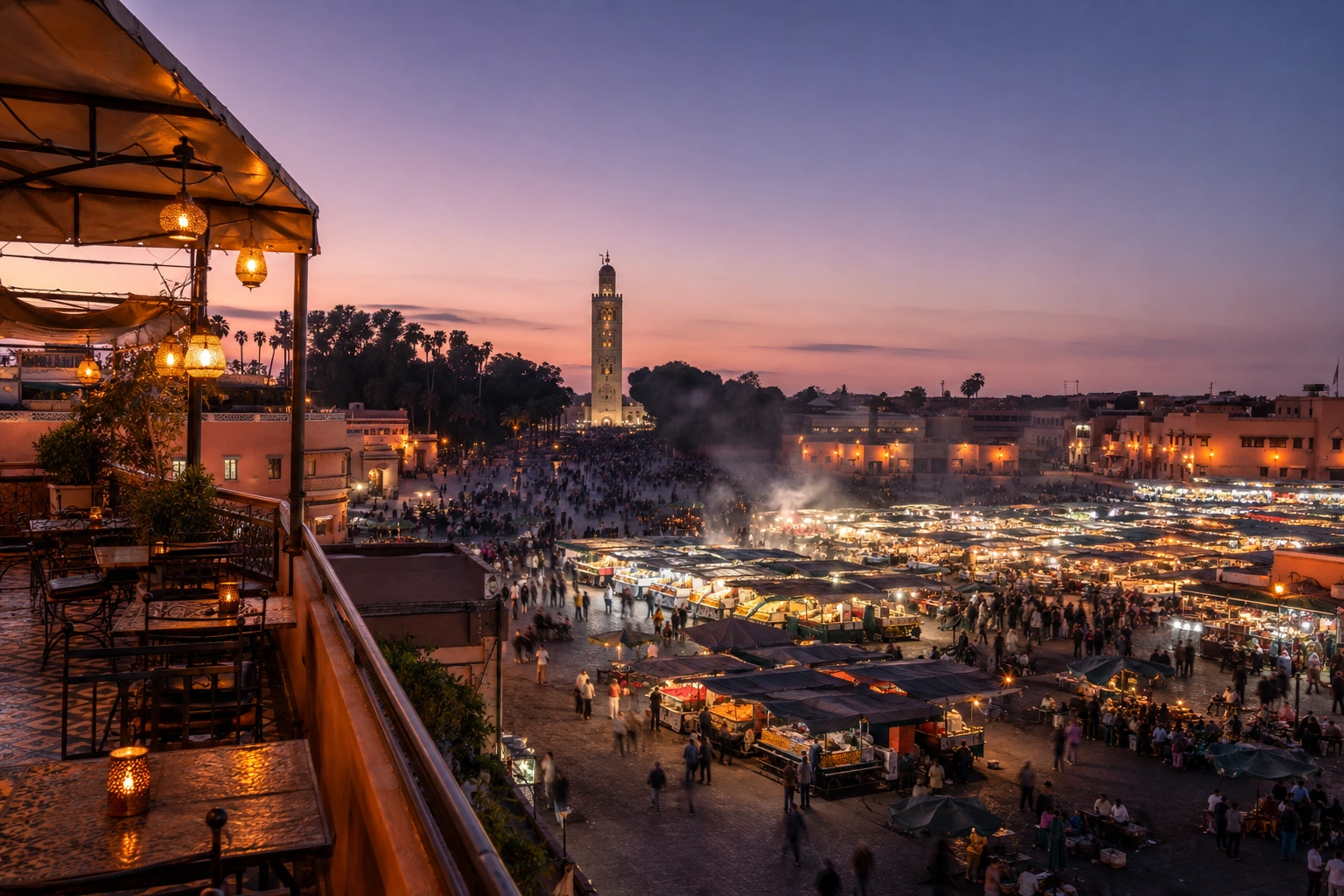
Take a wider scene first, leaving room for the low roofline. Move closer for the portrait so a face does not disappear into the activity behind it.
Ask before photographing a vendor or performer. Keep pedestrian routes clear and choose a position where you can pause without obstructing anyone.
Confirm your unlock in the square before leaving. A distant rooftop view can make a good photograph without falling inside the supported arrival area.
Choose a curated Experience after you unlock this Landmark. The previews show creative directions, not customer results. Memories are generated interpretations, not documentary photographs of the scene.
An early-light portrait with breathing room around the medina square.
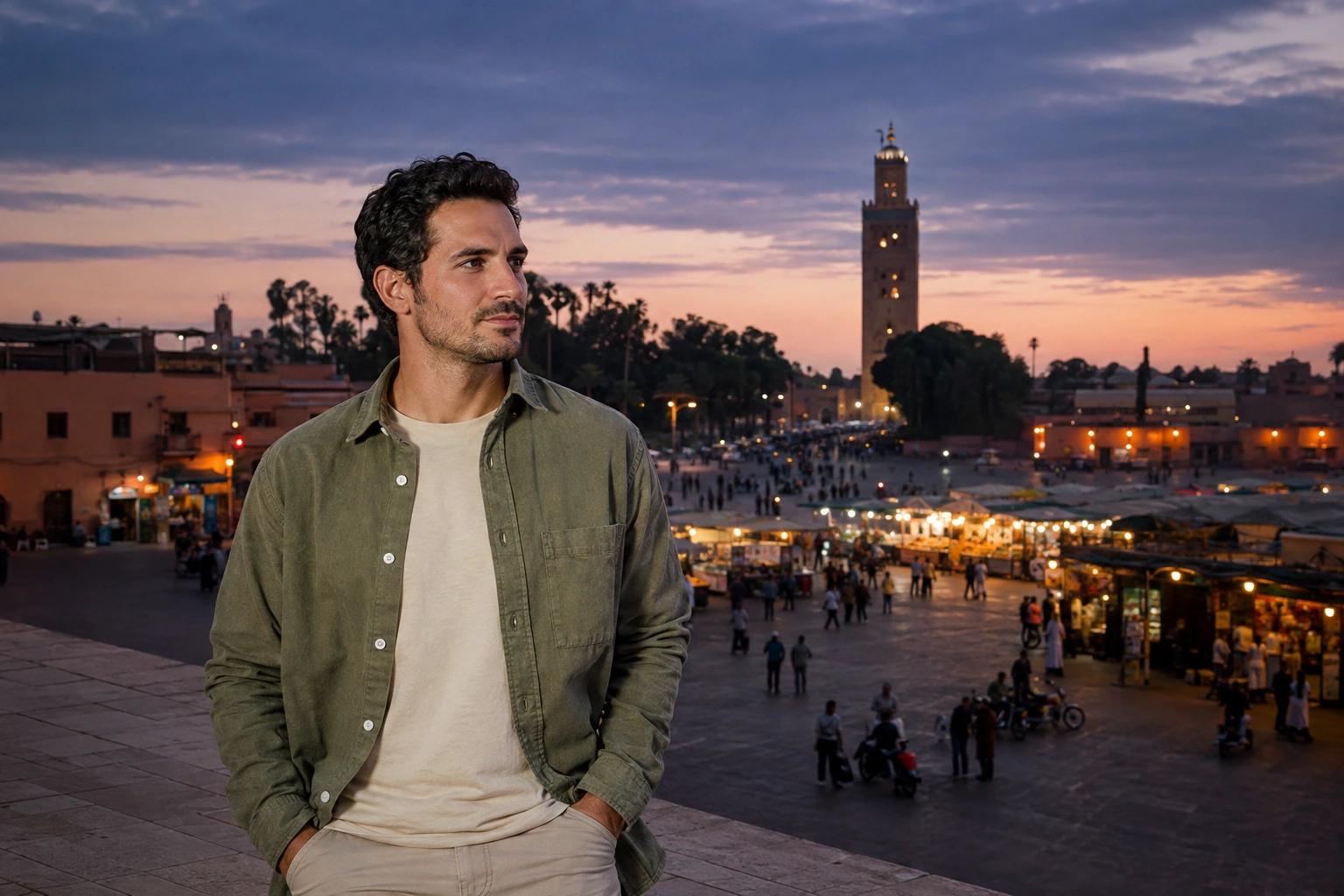
Warm stall lights and a blue evening sky frame your Marrakech portrait.
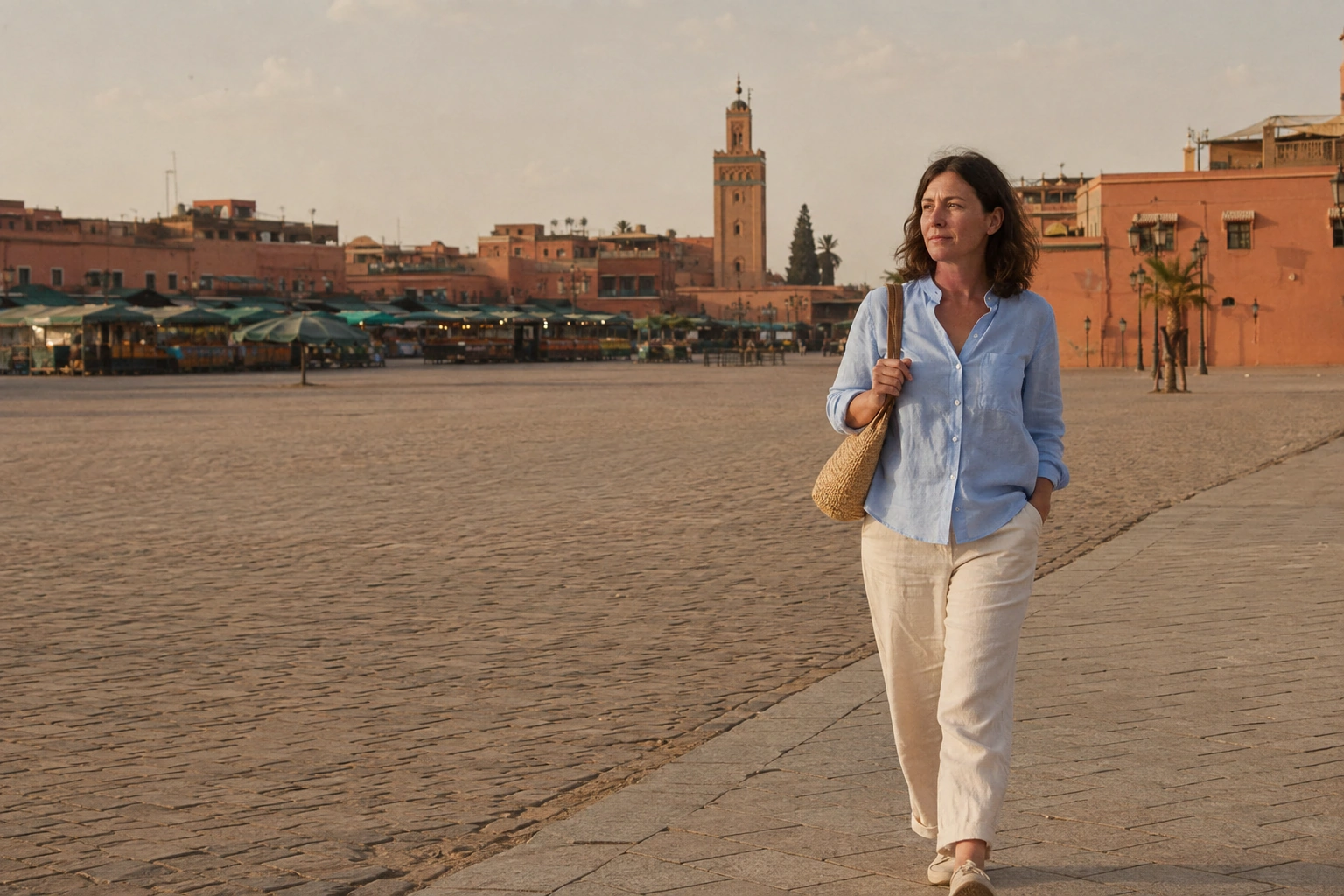
A candid frame of the square with warm colour and a subtle film finish.
Unlocked checks your current location when you choose Unlock. It does not need to track your route in the background. Your reference photos and Memories stay private.
How your photos and location are handledOpen the Landmark in the app while you are in its supported area.
Allow the location check and confirm the Landmark is unlocked before leaving. Your badge and visit date join your free Passport permanently.
Add your reference photos and create a Memory now or later. Your first GPS-verified Landmark unlock grants one welcome credit for your first Memory.
Visit the Landmark, open it in Unlocked, and choose Unlock within its supported arrival area. Confirm success in the app before leaving and follow the venue’s access rules.
No. An Experience creates a private generated Memory after your visit is verified. Venue tickets, visitor access and any physical photo session are arranged separately.
No. Light and photographic style describe the generated treatment. Your camera photographs record the conditions you actually encountered; the Memory is a creative interpretation of a place you reached.
Check app availability before your trip, then complete your Landmark unlock while you are there.