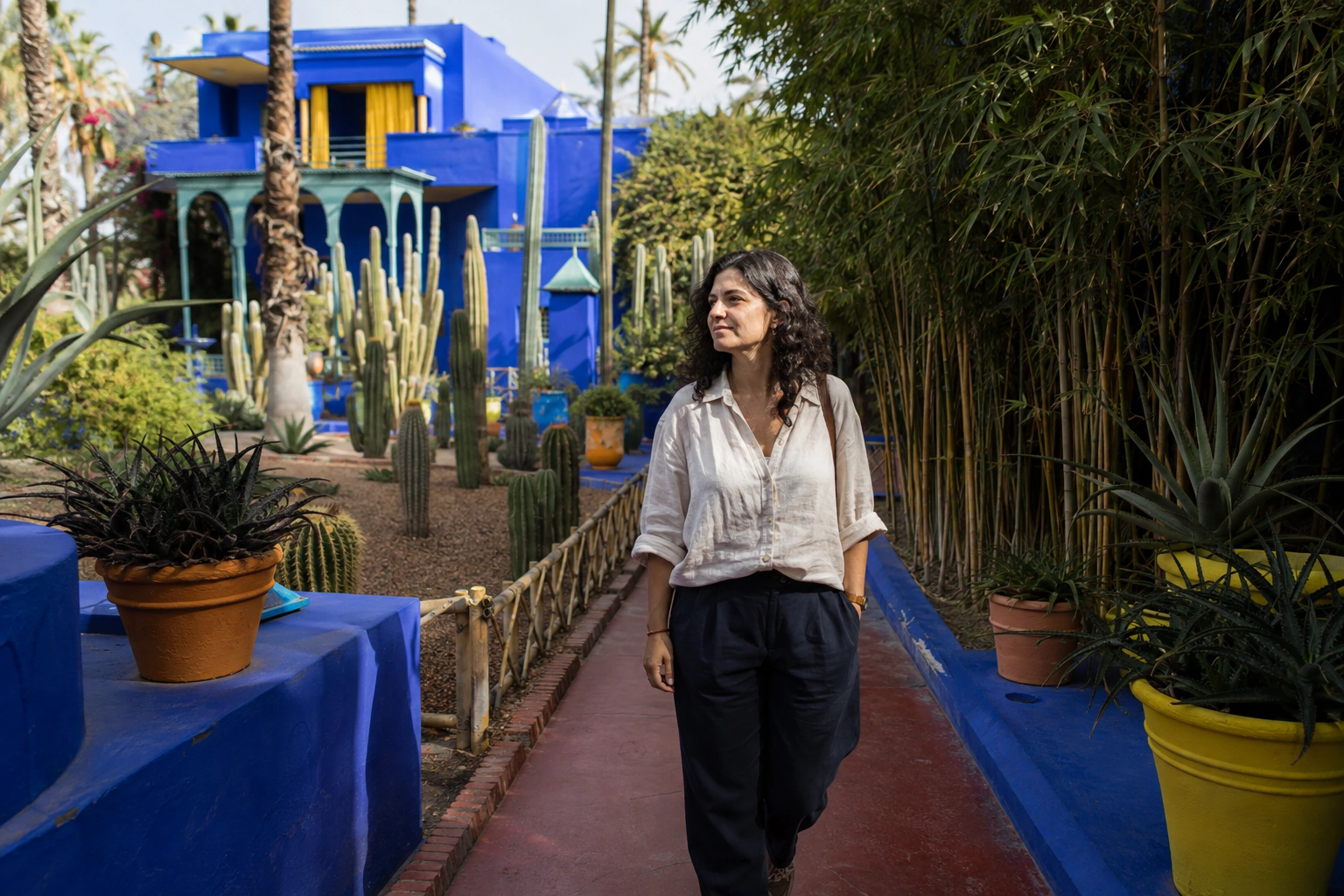
Majorelle Blue
A portrait against the garden’s cobalt architecture and yellow accents.

A visit worth keeping.
Visit and verify your arrival in Unlocked to keep this badge and your visit date in your free Passport. No subscription.
Blue walls and sculptural planting already give Majorelle a strong palette. Choose a small part of it for the portrait, then use a separate wider image to remember the garden path.
Get the app to collectExplore the three photo ExperiencesRead the Jardin Majorelle photo guide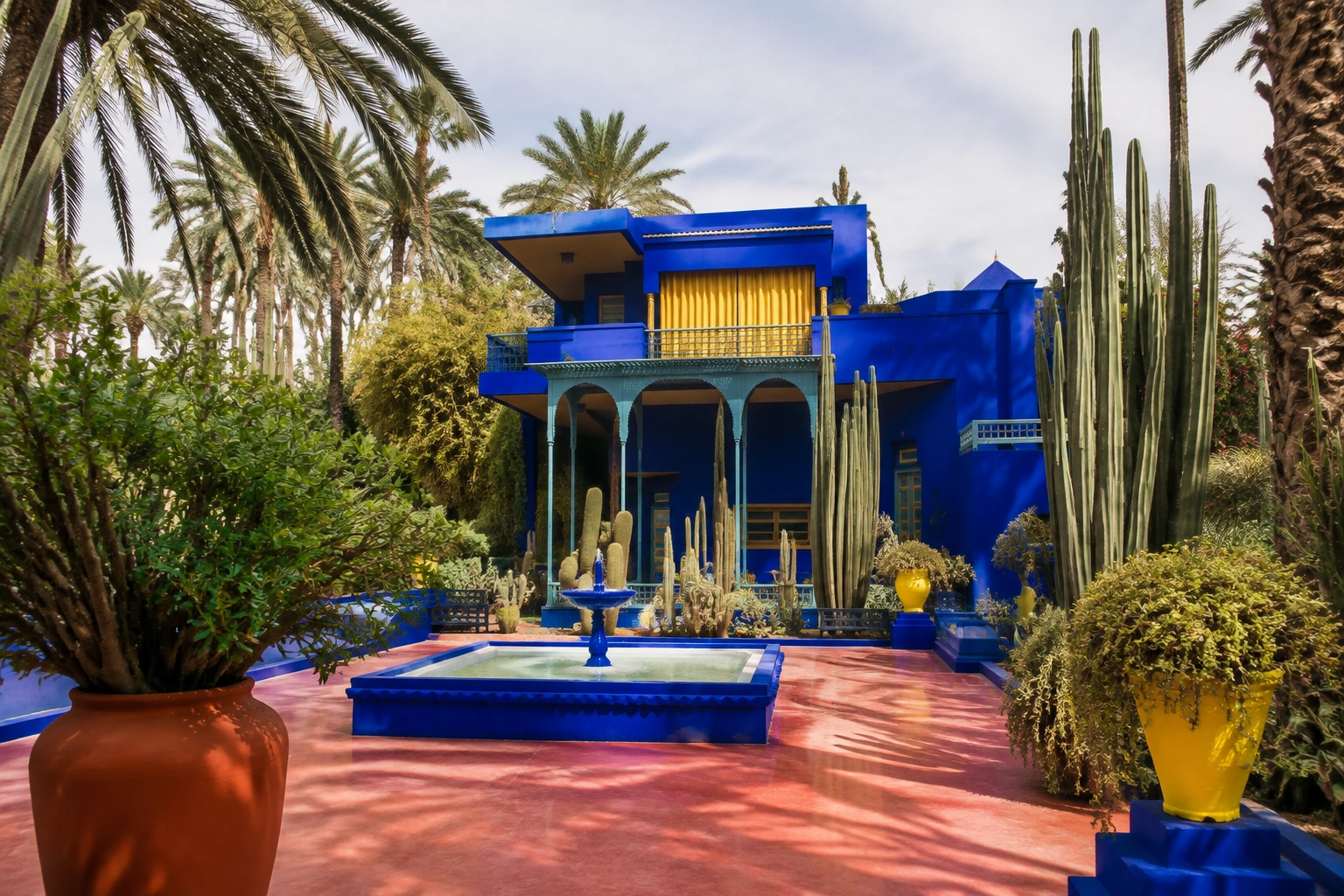
Photo guide
Checked October 14, 2026 against the sources listed here. Hours, access and rules change, so recheck the official source before you go.
The garden's centerpiece, Jacques Majorelle's former studio, painted cobalt blue with yellow accents and now home to a small museum of Berber objects. Frame one section of wall with a few plants rather than the whole facade, and shoot from the path.
Sculptural cacti make clean, graphic frames against plain walls or sky. Stay on the paths rather than stepping into the beds for a new angle.
Tall bamboo shades sections of path and gives you a simple green background for portraits.
Water lilies and lotus flowers give you close-up color between the blue structures. The garden rules ask you not to feed the fish.
Choose a permitted path with a clear background. One patch of cobalt wall and a few plants often read more clearly than every pot in the frame.
Use the shade for portraits and keep the path clear. Avoid stepping into planted beds to find a different angle.
Check official ticket arrangements before your visit. Verify your unlock while inside the supported arrival area rather than assuming a photograph at another nearby museum counts.
Choose a curated Experience after you unlock this Landmark. The previews show creative directions, not customer results. Memories are generated interpretations, not documentary photographs of the scene.
A portrait against the garden’s cobalt architecture and yellow accents.
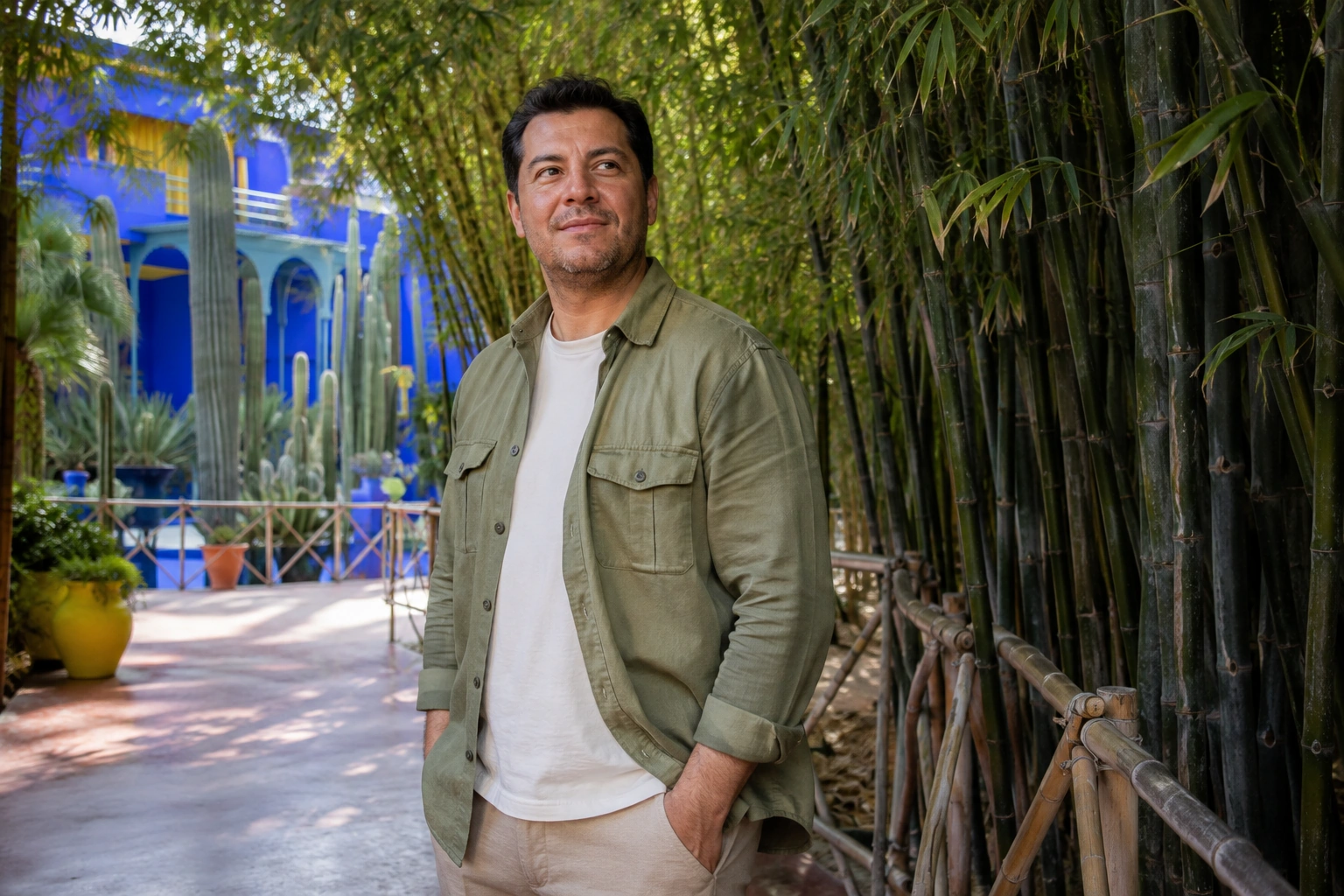
Filtered light and tall bamboo shape a quiet garden portrait.
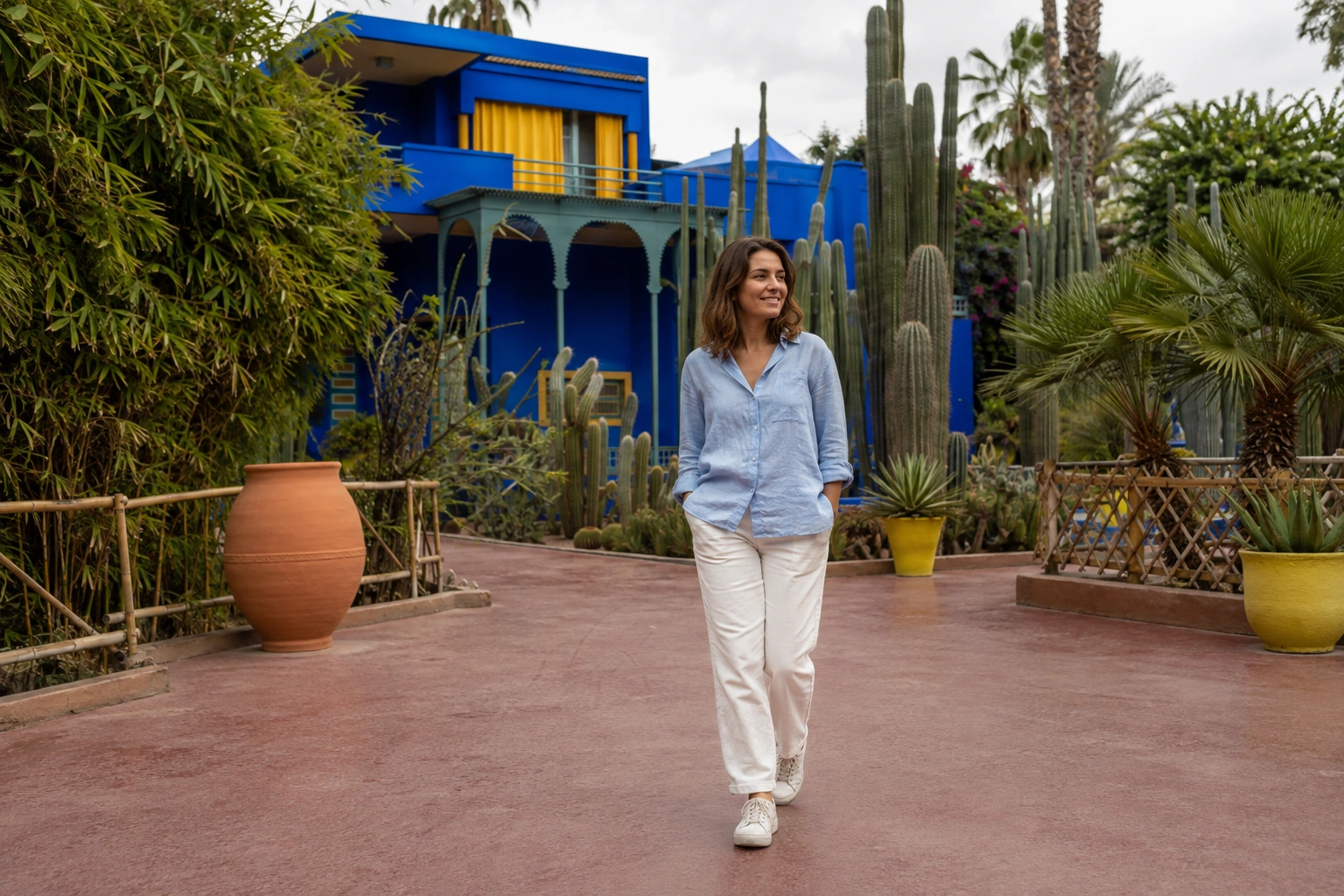
Sculptural cacti and blue walls create a clean botanical composition.
Unlocked checks your current location when you choose Unlock. It does not need to track your route in the background. Your reference photos and Memories stay private.
How your photos and location are handledOpen the Landmark in the app while you are in its supported area.
Allow the location check and confirm the Landmark is unlocked before leaving. Your badge and visit date join your free Passport permanently.
Add your reference photos and create a Memory now or later. Your first GPS-verified Landmark unlock grants one welcome credit for your first Memory.
Visit the Landmark, open it in Unlocked, and choose Unlock within its supported arrival area. Confirm success in the app before leaving and follow the venue’s access rules.
No. An Experience creates a private generated Memory after your visit is verified. Venue tickets, visitor access and any physical photo session are arranged separately.
No. Light and photographic style describe the generated treatment. Your camera photographs record the conditions you actually encountered; the Memory is a creative interpretation of a place you reached.
Check app availability before your trip, then complete your Landmark unlock while you are there.