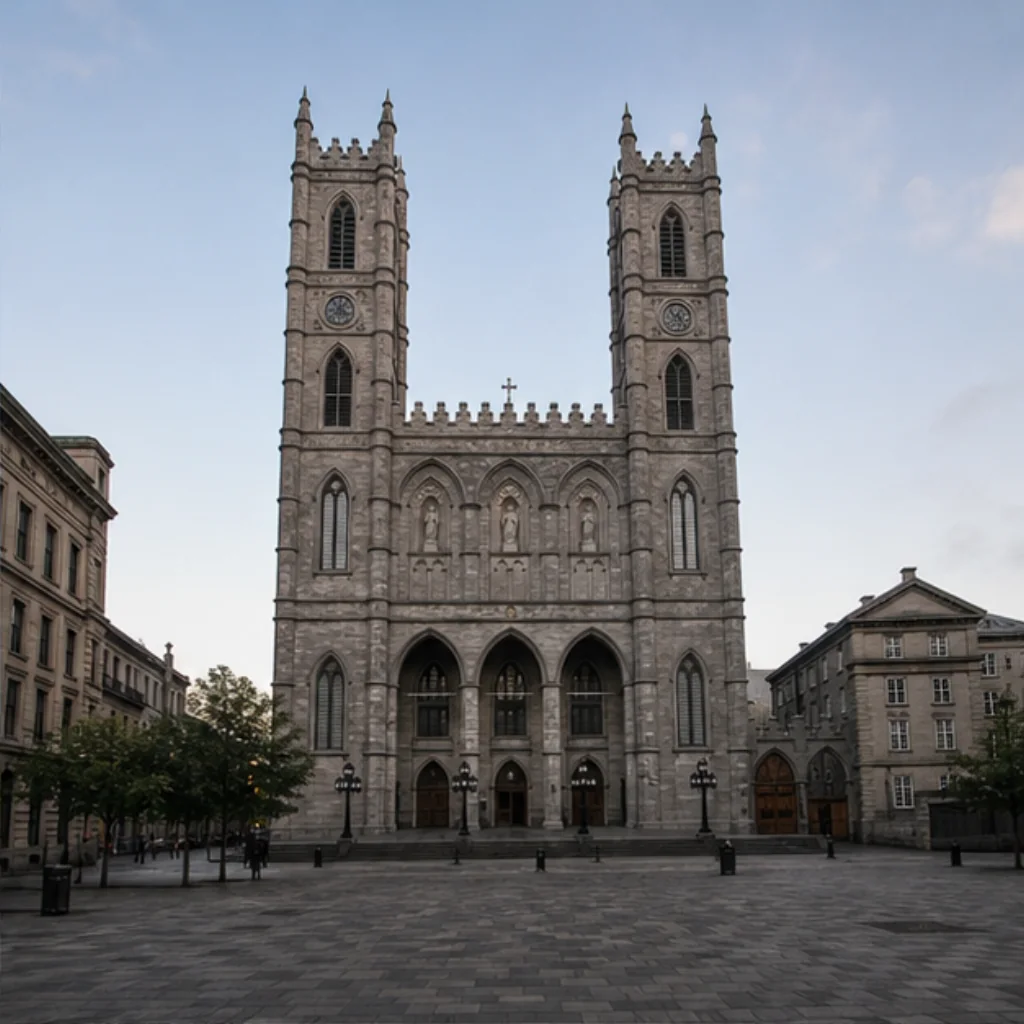
Quiet Place d’Armes
A calm portrait interpretation beneath the twin towers. The generated scene does not promise an empty square when you visit.

A visit worth keeping.
Visit and verify your arrival in Unlocked to keep this badge and your visit date in your free Passport. No subscription.
The twin towers anchor one kind of photograph; the blue interior suggests another. Give each its own time, then choose how you want to remember your visit to Old Montréal.
Get the app to collectExplore the three photo ExperiencesPlan your photos before you go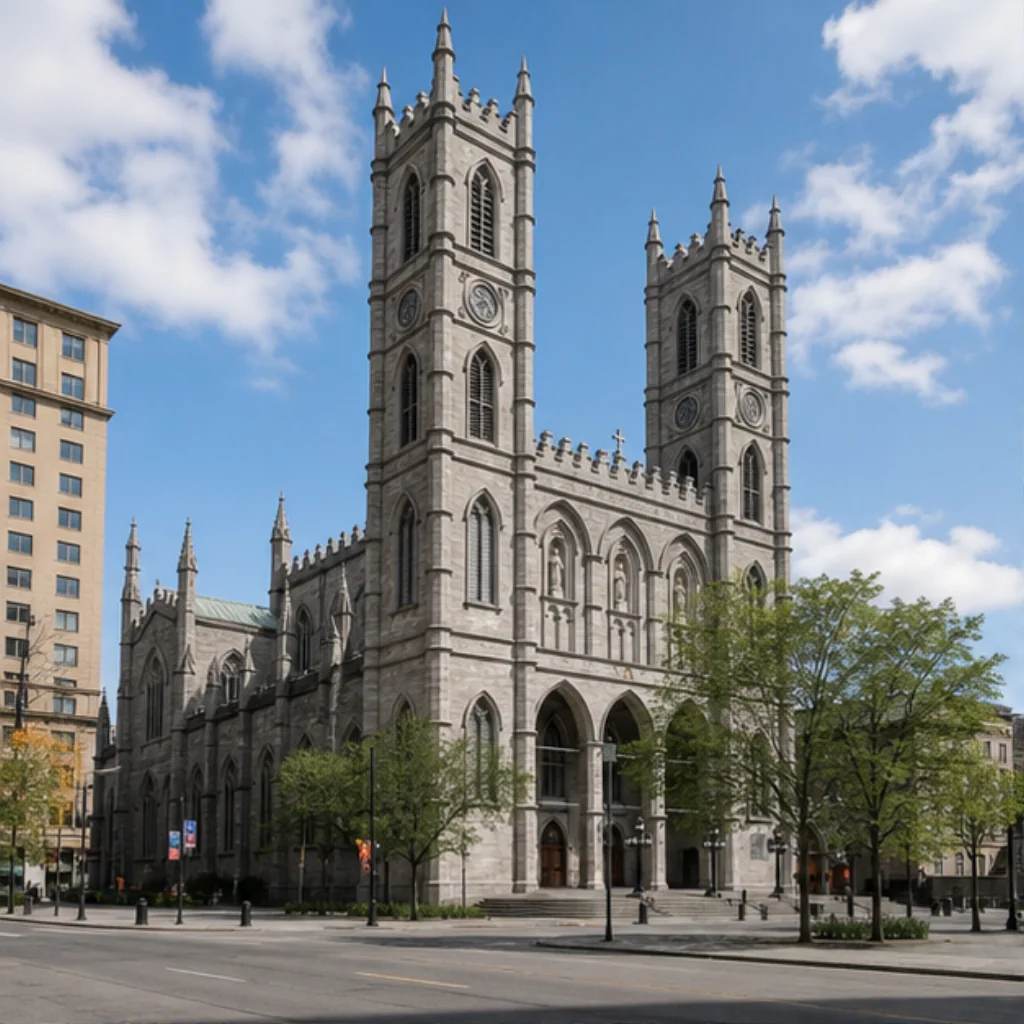
From Place d’Armes, decide whether the towers or the person should lead the photograph. Take a vertical frame for the building and a closer portrait for your companion. One picture does not have to hold everything.
If people cross the background, keep the portrait short and let the square remain a shared space. A detail of the stonework can become a second image when a wide view feels crowded.
For an interior sightseeing visit, put the phone away long enough to look at the light. A quiet architectural photograph and a posed portrait ask different things of a working religious space; follow the guidance for your visit.
Choose a curated Experience after you unlock this Landmark. The previews show creative directions, not customer results. Memories are generated interpretations, not documentary photographs of the scene.
A calm portrait interpretation beneath the twin towers. The generated scene does not promise an empty square when you visit.
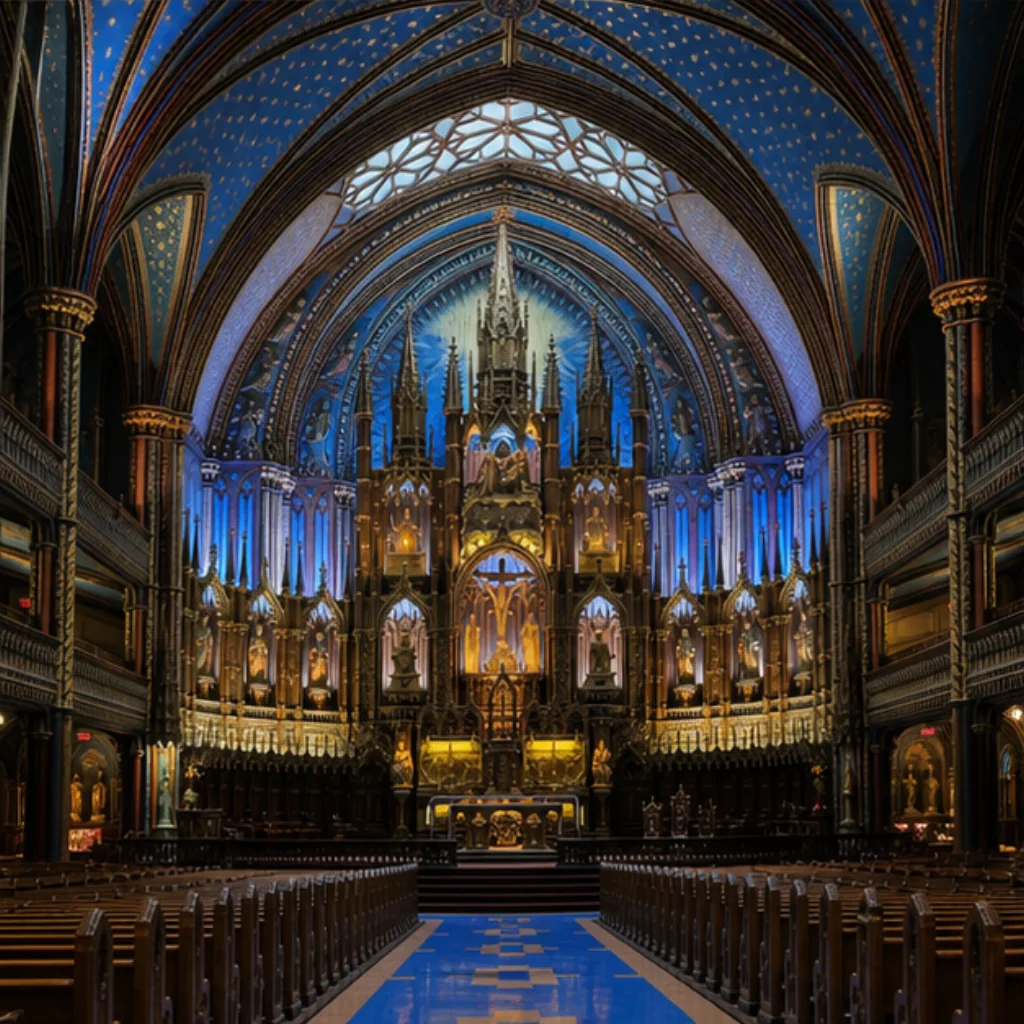
An interior-inspired Memory in blue and gold. It is a creative interpretation, independent of sightseeing admission or attendance at AURA.
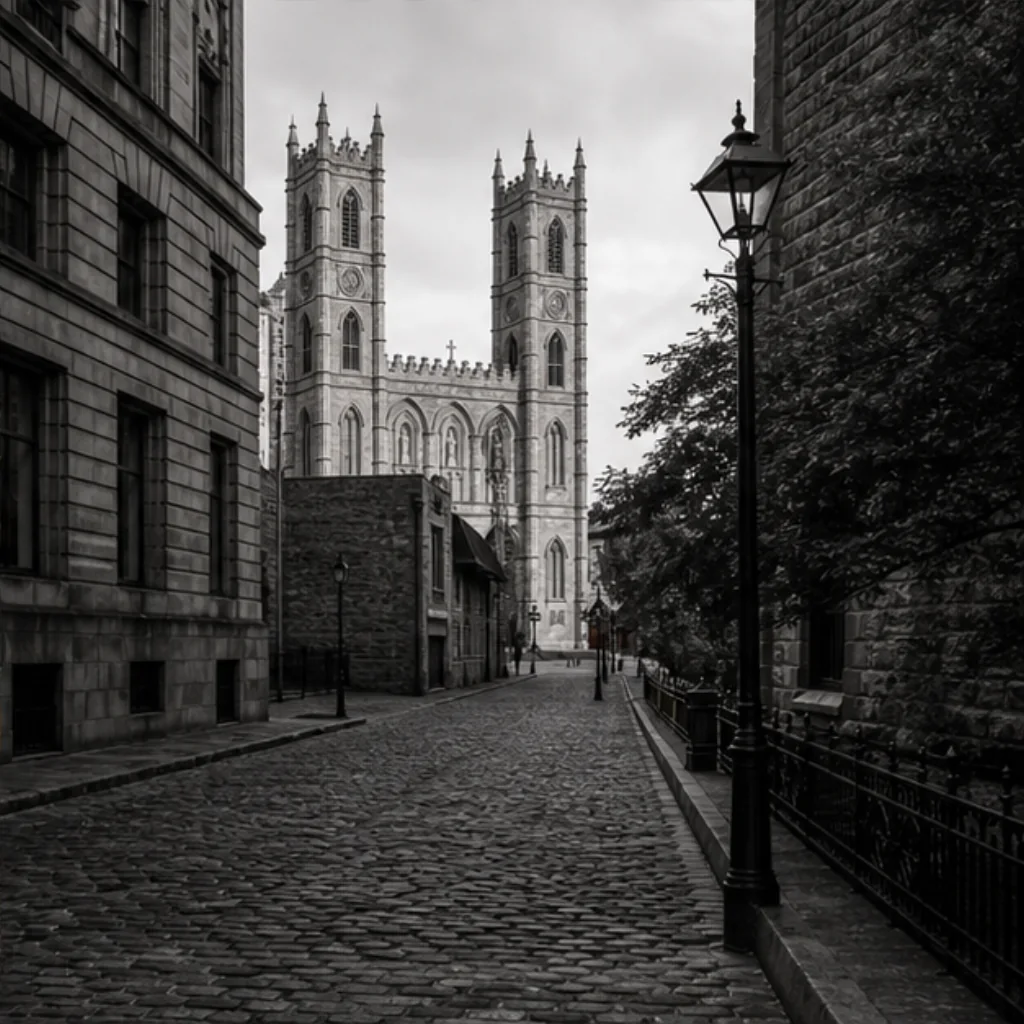
A monochrome portrait shaped by Gothic stone and Old Montréal textures. Choose it for a more graphic way to remember the stop.
Unlocked checks your current location when you choose Unlock. It does not need to track your route in the background. Your reference photos and Memories stay private.
How your photos and location are handledOpen the Landmark in the app while you are in its supported area.
Allow the location check and confirm the Landmark is unlocked before leaving. Your badge and visit date join your free Passport permanently.
Add your reference photos and create a Memory now or later. Your first GPS-verified Landmark unlock grants one welcome credit for your first Memory.
No. Cobalt Nave is a generated Experience in Unlocked. Arrange any sightseeing visit or AURA booking directly with the venue; an app unlock provides no admission or photography permission.
No. Complete the location check through Unlock while physically inside the supported Landmark area. Once unlocked, the Landmark remains available and you can create your Memory later.
The Experience creates a new, stylized Memory from your reference photos. It does not document the people or conditions you encountered. Keep your original photographs as the record of the visit.
Check app availability before your trip, then complete your Landmark unlock while you are there.