Your first Memory gives you one way to remember a place. There may be another you want to try: warmer light, a quieter scene, or a different photographic style.
We’re preparing an Android and iOS update that makes that next choice easier. After creating a Memory, you’ll be able to discover another Experience at the same landmark and carry that choice through buying credits, if you need them.
The idea is simple: you already made the trip. You should be able to return to its creative possibilities without finding your way through the app again.
First, a quick introduction to Unlocked
Unlocked is a travel app that connects generated portraits to places you have actually visited.
You start by finding a supported Landmark in Explore. While you are nearby, choose Unlock so the app can verify your presence. A successful unlock adds the place to your travel record and opens its Experiences: curated photographic directions made for that particular landmark.
Choose an Experience, provide a photo of yourself, and create a Memory. The result lives in your Passport alongside the places you have unlocked.
A Memory is a generated interpretation of your visit. The unlock records that you were there; the image gives you a creative way to remember it. Keep your original travel photos too.
You can read more about why Unlocked starts with being there.
Another side of a place you already know
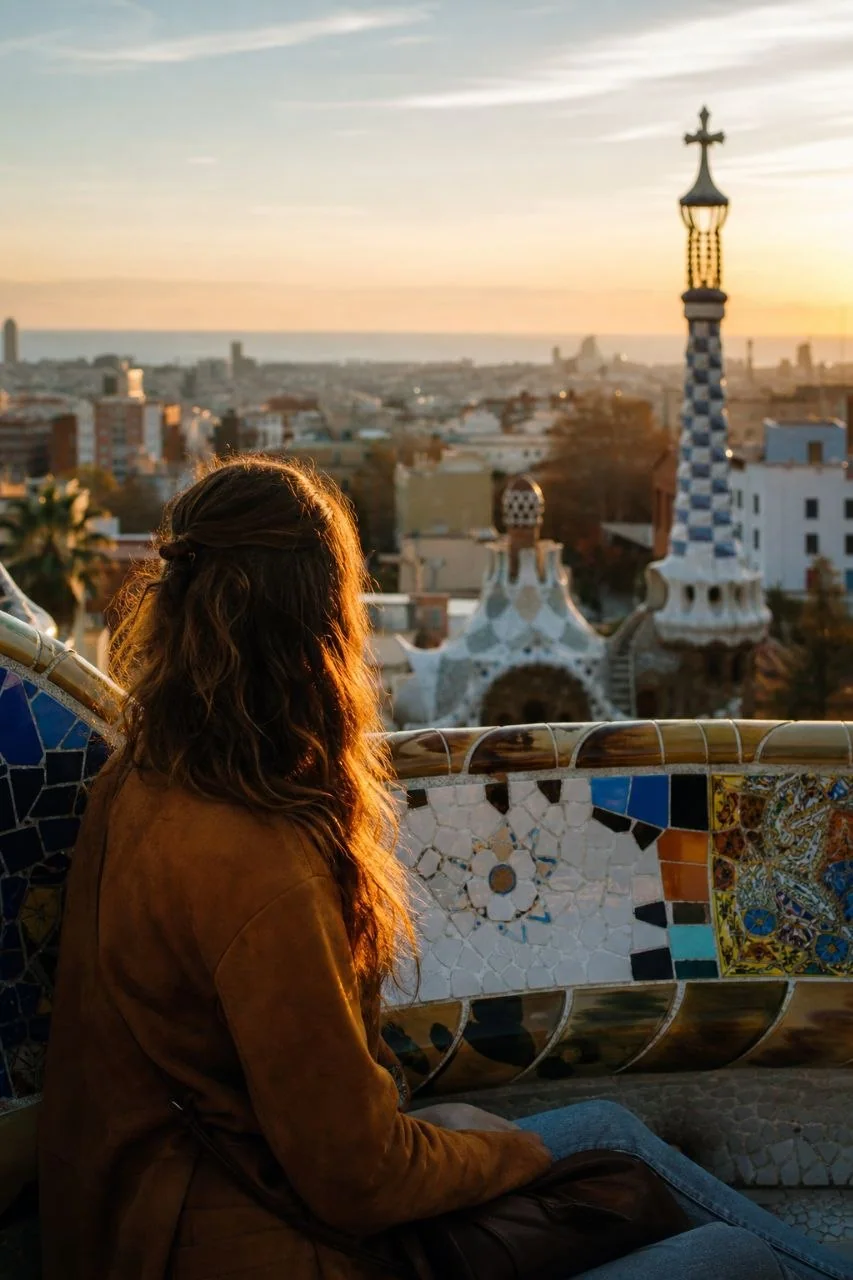
Take Park Güell as an example. Its Experiences include Empty Park, Golden Hour, and Gaudí Editorial. Each offers a different approach to the same landmark.
In the updated flow, after you finish a Memory, an “Another side of Park Güell” section will introduce another available Experience. You’ll see its name, a preview, a short description, and the number of credits needed to create it.
Tap Explore beside that Experience’s name to open it directly. You can also find this suggestion when you reopen a Memory in Passport, so there is no need to decide immediately after seeing your first result.
The suggestion stays attached to the landmark you unlocked and skips the Experience used for the Memory you are viewing. If another Experience is unavailable, your completed Memory remains there to view and share.
Visit now. Create again from home.
The landmark unlock stays with your account after you leave. You can unlock a place during your visit, put your phone away, and choose an Experience later.
That also applies to your next Memory. You do not need to travel back to Park Güell or verify your location again to use an Experience at a landmark you have already unlocked.
This makes room for a less hurried decision. Perhaps you want to look through your first result over breakfast the next day. Perhaps you only return to it after the trip. The place is still part of your Passport.
Keep your choice through checkout
The second part of the update makes buying credits part of the Experience you are already considering.
If you have enough credits, you can proceed to creating your Memory. If you need more, here is how the updated flow works:
- Open Memory credits from the Experience. The credits screen names the Experience you chose and shows its credit cost.
- Choose a pack. The purchase price comes from your device’s app store in its local currency. Review that price before confirming the purchase.
- Return when your credits are ready. Once the balance has updated, Continue to [Experience] takes you back to your selection.
- Review, then create. Buying credits does not start a Memory. You choose when to press Create Memory and use them.
Opening and closing the credits screen also keeps any photo you have prepared under Your look today. This optional photo helps guide your hair and outfit for that Memory. You can review or change it when you return from checkout, without choosing it again just because you needed credits.
You can close the credits screen without buying anything and return to the Experience. If a completed purchase is still syncing, wait for the balance to update; the existing Restore purchases option remains available when needed.
Start with a place you want to keep
This update is in preparation for Android and iOS; the new screens described here still need to reach the store versions.
For a first visit, start with the supported landmarks in Barcelona or browse the destinations on Unlocked. Choose a place you want to spend time in, unlock it while you are there, and let the Memory wait until you are ready.
One visit can give you more than one way to remember it.