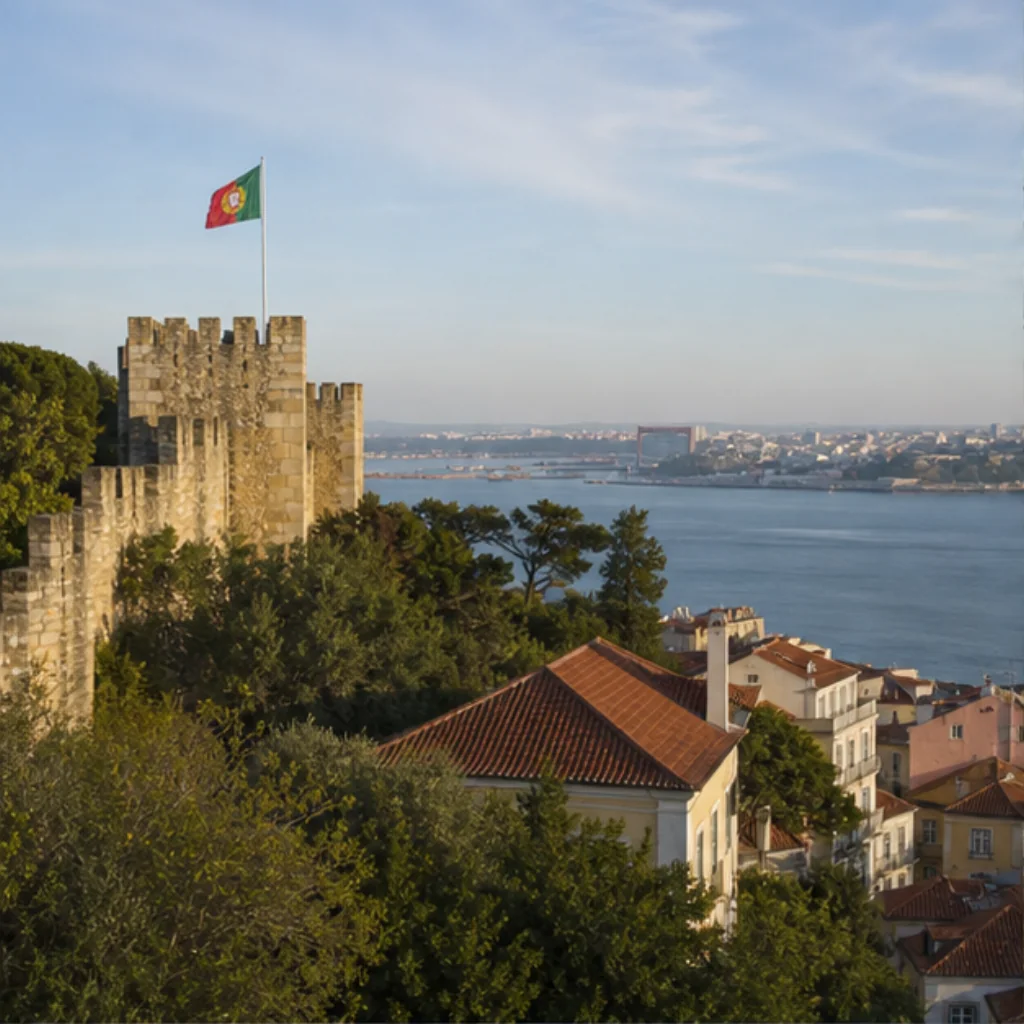
Traveling alone lets you stay at a place because you want to, and leave when you are ready. Getting yourself into the photograph can introduce a different schedule: set up the phone, find the position, start the timer, walk back, check, repeat.
Some solo travelers enjoy that craft. Others want a personal image without making every stop into a small production. Unlocked is useful for that second wish: visit and unlock a supported landmark now, then create a portrait connected to it later.
Your choice of where to stand can follow your curiosity for a while. It does not have to depend on where you can balance the phone.
Decide which part of photography you actually want
There are several different wishes inside “I want a picture here.” You might want to record the actual view. You might want a portrait of yourself associated with the destination. You might enjoy the act of composing and taking a photograph.
Those wishes call for different choices. A camera records the scene in front of it. Staging a self-portrait can be its own satisfying activity. A generated Memory offers a creative personal image after a real visit.
Knowing which result you want makes it easier to stop doing work you never particularly wanted to do. If setting a timer is fun, take the time. If you are only doing it because you think the trip requires a polished portrait, there is another route.
Keep the solo visit open to changes of mind
Consider this illustrative situation: you reach a landmark alone and find a detail that makes you want to linger. A phone setup is already in progress, though, so you finish the shot before moving closer. Then you review it, adjust it, and discover that the portrait has quietly become your plan for the stop.
We prefer to preserve the freedom that brought you there alone. You can look for as long as you like, change your route within the permitted areas, or sit down without having an unfinished photograph to solve.
At a supported Unlocked Landmark, the time-sensitive step is completing the unlock while you are nearby. Wait for confirmation. After that, you can close the app. Choosing a photographic direction can happen after you have finished exploring.
Put yourself in a Memory later
When you return to your hotel, open an available Experience at the place you unlocked. Each Experience offers a curated photographic direction for that landmark. Provide a photo of yourself, review the credit cost, and choose to create a Memory.
You do not need a carefully staged self-portrait from the landmark to perform the unlock. A photo of yourself is needed for generation later; it does not have to consume your time at the destination.
The Memory is AI-created, so it is an interpretation rather than a camera record of that afternoon. Keep any original photographs you took. You can create more Memories using credits and the Experiences available for your unlocked place.
That is how creating after the visit can fit a solo trip: you retain the option of a personal image without arranging the visit around making it on site.
Ask for a photograph when you want the interaction
Asking someone to take your picture can be a pleasant part of traveling. There is no need to avoid it if the request feels comfortable and welcome. A photograph taken by another person may be exactly what you want to keep.
The freedom comes from having a choice. You can ask because you want that photograph, rather than feeling you must recruit someone before leaving. You can also take a quick selfie or no portrait at all.
For us, a good solo travel tool should leave more decisions with the traveler. Complete the landmark unlock, then decide what deserves your attention. The view is available now. Your creative options can wait until you are ready to sit down with them.