
Lahori Gate Daylight
A daylight portrait pairs the sandstone ramparts and gate bastions with open sky.

A visit worth keeping.
Visit and verify your arrival in Unlocked to keep this badge and your visit date in your free Passport. No subscription.
Shah Jahan’s red sandstone citadel rises above Old Delhi behind moat and rampart. Use the ramparts, Lahori Gate approach and garden axes from permitted visitor positions; do not depict restricted interiors.
Get the app to collectExplore the three photo ExperiencesPlan your photos before you go
Use the ramparts, Lahori Gate approach and garden axes from permitted visitor positions; do not depict restricted interiors.
The Archaeological Survey of India administers ticketed entry and the fort closes Mondays; some museum interiors restrict photography.
Check the Landmark map and confirm your unlock while nearby. A distant view does not establish arrival at this point.
Choose a curated Experience after you unlock this Landmark. The previews show creative directions, not customer results. Memories are generated interpretations, not documentary photographs of the scene.
A daylight portrait pairs the sandstone ramparts and gate bastions with open sky.

A closer portrait studies the hall’s red sandstone arches and carved columns.
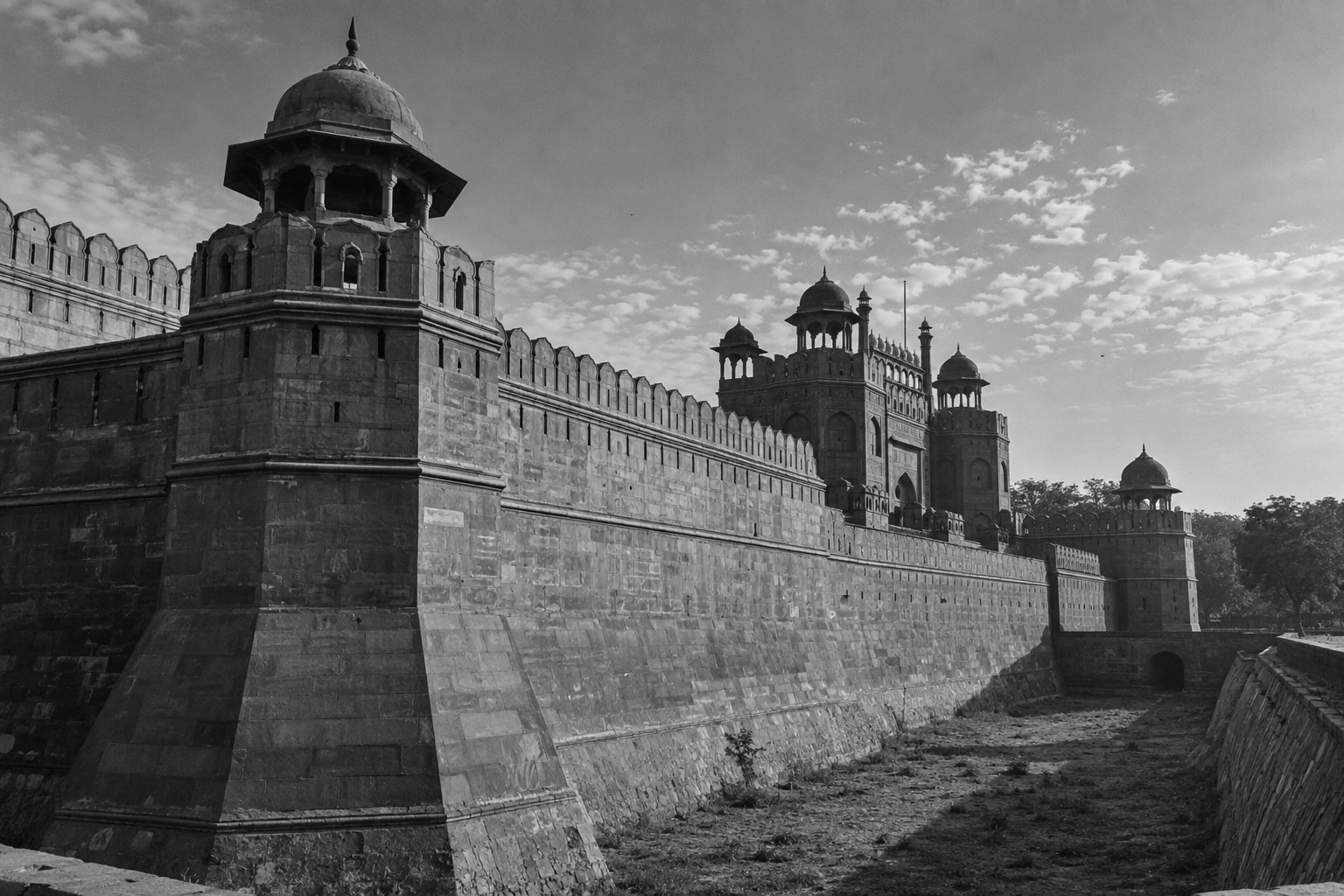
A monochrome portrait studies ramparts, moat and octagonal towers.
Unlocked checks your current location when you choose Unlock. It does not need to track your route in the background. Your reference photos and Memories stay private.
How your photos and location are handledOpen the Landmark in the app while you are in its supported area.
Allow the location check and confirm the Landmark is unlocked before leaving. Your badge and visit date join your free Passport permanently.
Add your reference photos and create a Memory now or later. Your first GPS-verified Landmark unlock grants one welcome credit for your first Memory.
Visit the supported arrival area and choose Unlock. The server checks a current location sample; a confirmed visit earns a permanent badge for free. Follow local access rules and confirm the unlock before leaving.
No. Venue admission, transport, visitor access and physical photo sessions are separate. An Experience creates an optional private generated Memory after your verified visit.
No. These are illustrative generated previews of creative photographic treatments. A location check establishes nearby presence, not the pictured light or visitor conditions.
Check app availability before your trip, then complete your Landmark unlock while you are there.